The release announcement
dispat's own release workflow renders a card and posts it to configured Instagram, LinkedIn, and Discord destinations.
It uses the flow.announce stage and the
updated-provider listing, which other projects can use with their own announcement
scripts.
Who announces, and when
The announcement belongs to the documentation package, not to the CLI. Every link in a post leads into the site, and the
docs package's announce stage runs after its publish stage deploys the site, so the pages a post points at are live
before anybody reads the post. A site that failed to deploy leaves nothing announced.
What is announced is dispat. The stage reads the dispat version this docs release picks up from the updated-provider
listing, DISPAT_UPDATED_DISPAT_NEW_VERSION and DISPAT_UPDATED_DISPAT_CHANNEL. The listing names that version whether
dispat shipped in the same run or in an earlier run whose docs leg failed, so a split release still announces once, when
the site finally goes live. A docs release that picks up no new dispat announces nothing.
The files live in packages/docs/announce/, and
the stage is the announce script of
packages/docs/dispat.yaml. dispat's channel
names the configuration: announce/rc/crier.yaml or announce/stable/crier.yaml. Any other prerelease channel has no
folder, and the stage says so and posts nothing.
The step outputs the release workflow reads, cli-released and cli-version, are written by the CLI package's
flow.postPublish hook, so they never wait on a social network or on the site.
RC and stable announcements
Both channels post only what a person wrote. Each has a notes.yaml, which its crier.yaml pulls in as the caption
with a $ref, and a template.html carrying the same words on the card. Nothing generated is posted. The only value
either takes from the release is the version: the stage sets ANNOUNCE_NEW_VERSION from the listing, and both
configurations read their data with render.data: env:ANNOUNCE_, which turns it into {{ .new_version }}.
| File | Purpose |
|---|---|
rc/crier.yaml, stable/crier.yaml | Each channel's configuration: its card, its music, and its caption as a $ref of its notes.yaml. |
rc/notes.yaml, stable/notes.yaml | The human-written caption: the headline, every link to the release, and the notes. |
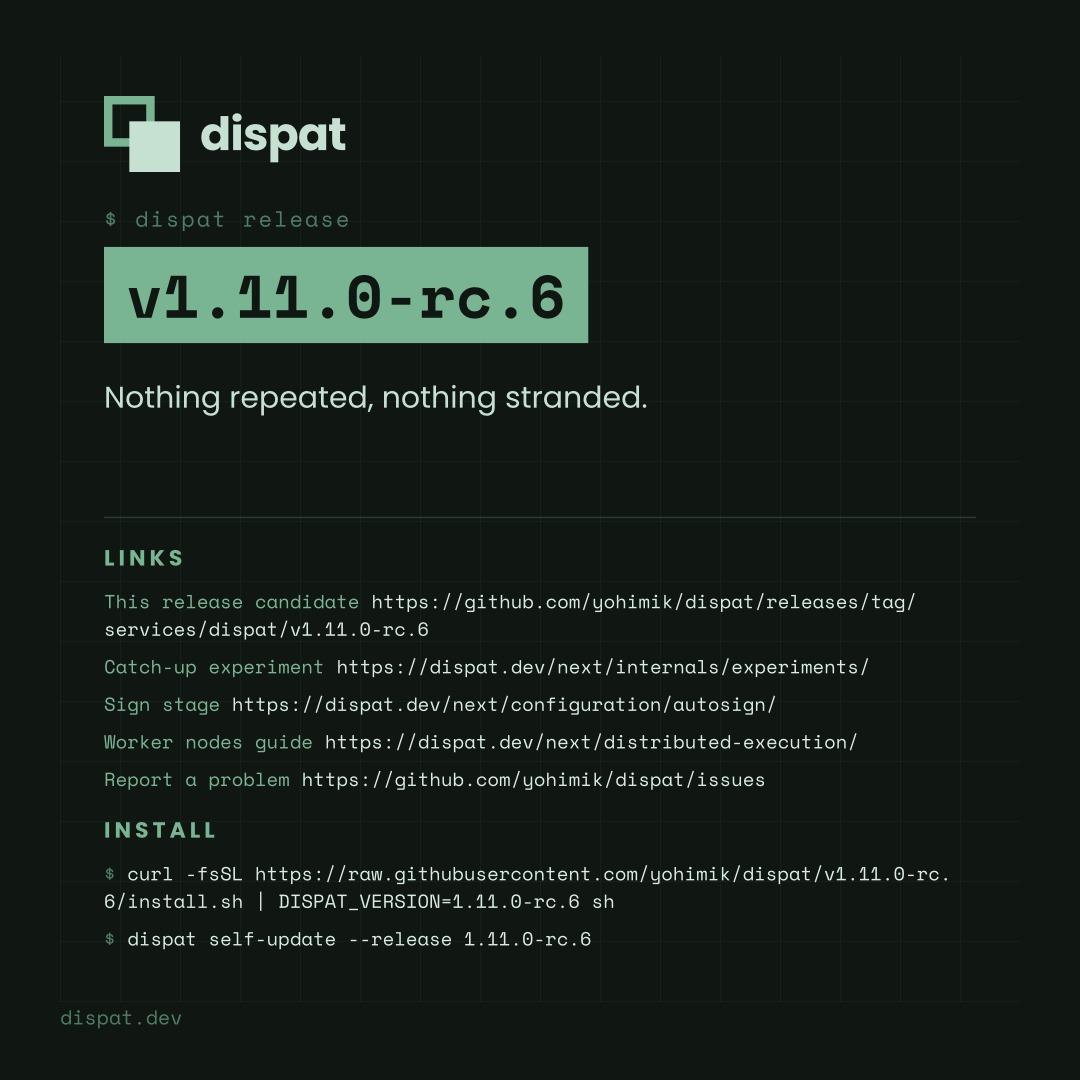
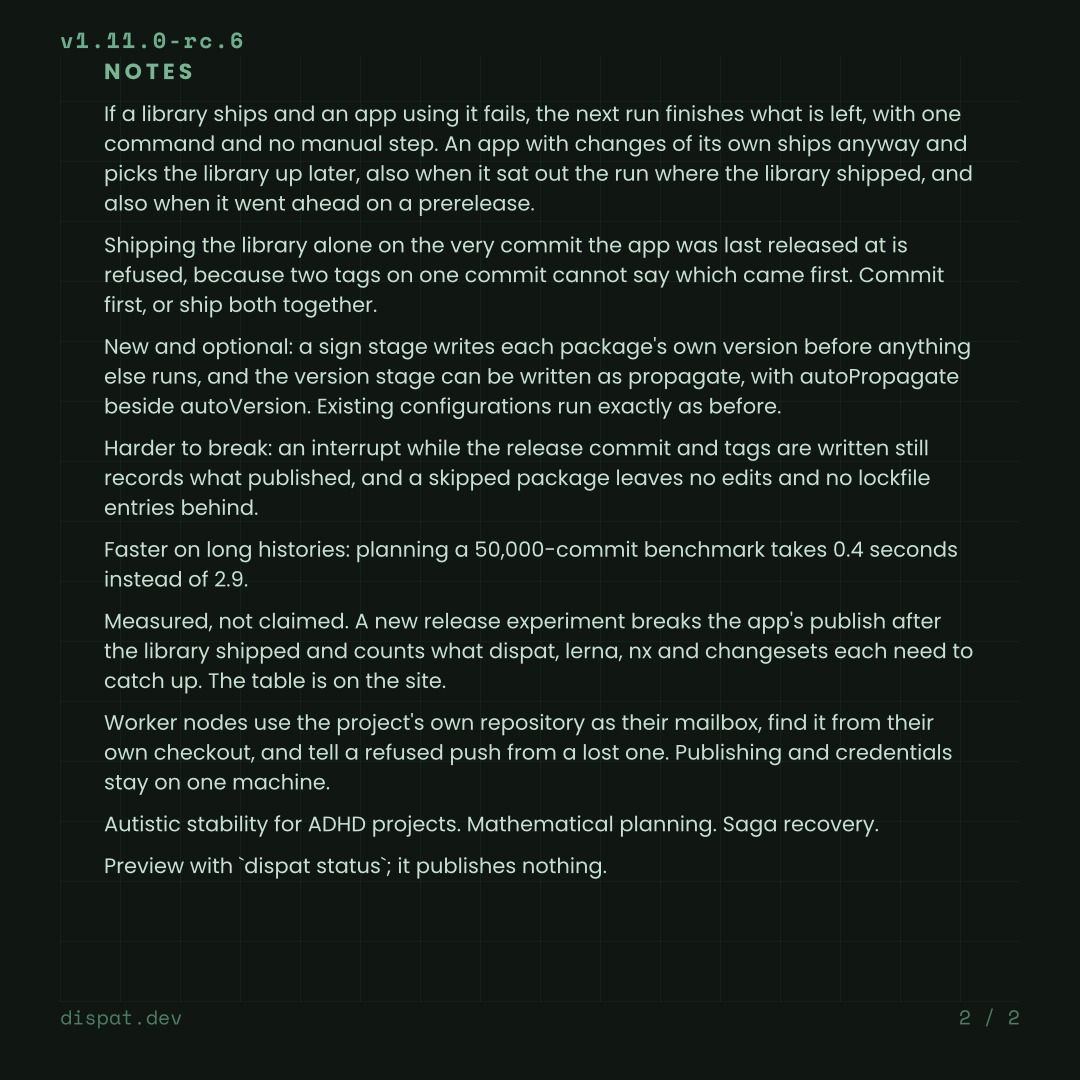
rc/template.html | The release-candidate card: a faint lattice on near-black, carrying the same notes and links as the caption. |
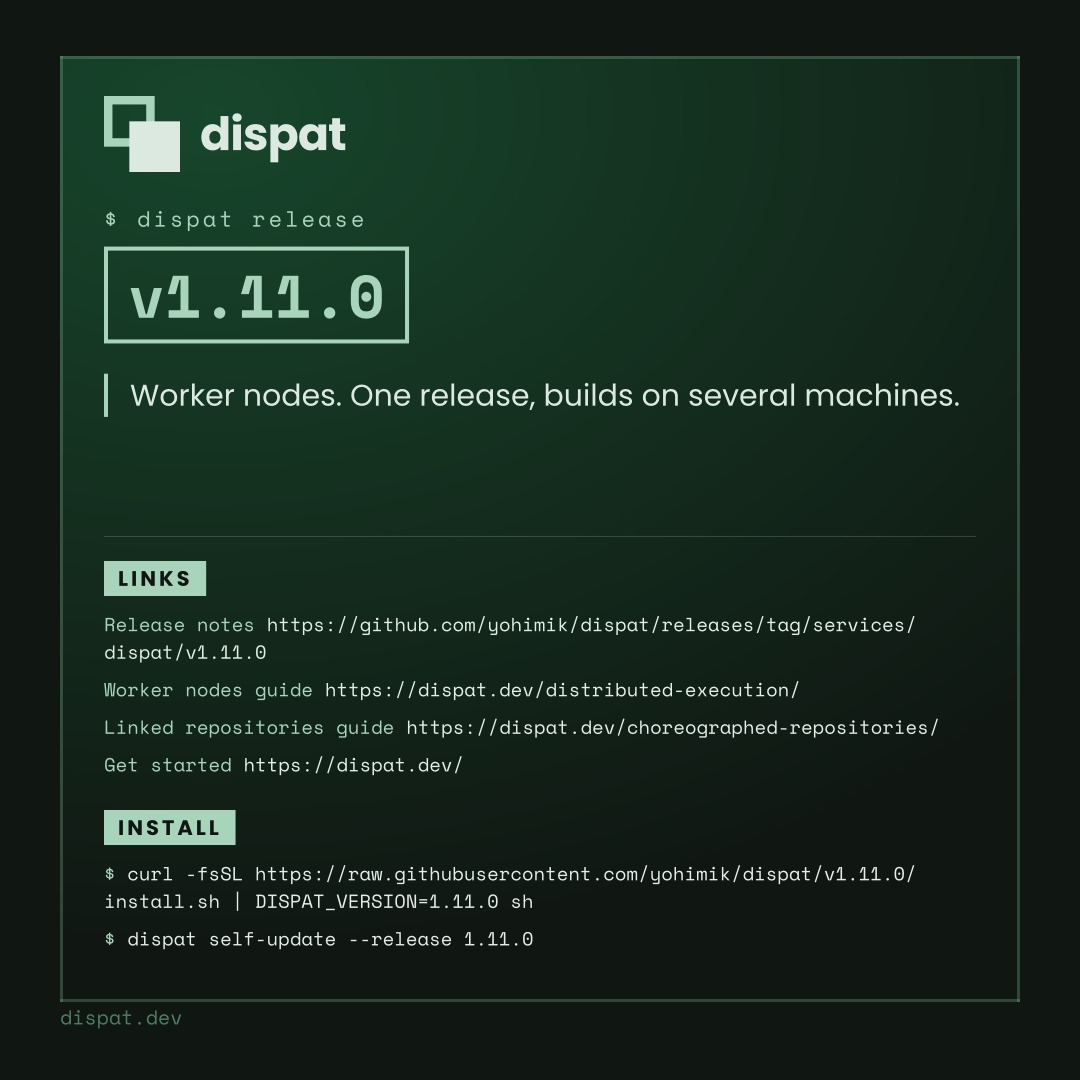
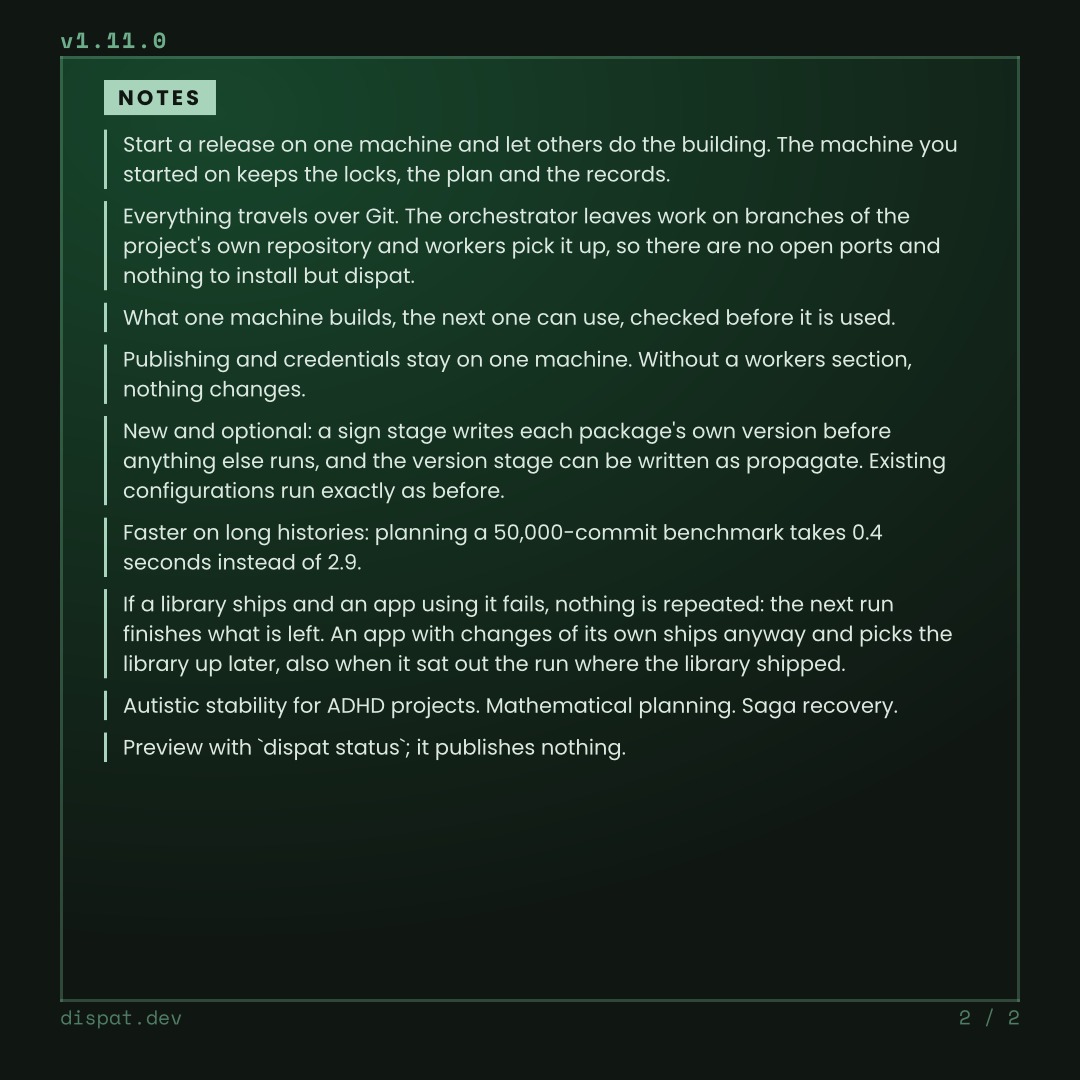
stable/template.html | The stable card: the same layout as print, a pine wash inside a ruled frame. |
rc/anthem-*.mp3 | Release-candidate music: the William Tell galop and In the Hall of the Mountain King. |
stable/anthem*.mp3 | Stable music: the 1812 Overture finale and The Stars and Stripes Forever. |
publish.yaml | The cross-posting both configurations pull in: the three destinations and their limits. |
fonts/, anthem.md | Shared fonts, licences, and audio provenance. |
Both configurations set their publish section to a $ref of publish.yaml, so the two channels cannot post to
different destinations. The channels differ in the card, the words, and the audio pool. The two cards share their page
geometry, running header and footer, so a release paginates the same way on either. The announcement folder stays
outside the site, CLI and Go test image build contexts.
Writing an announcement
The words are written by hand in two places, and the two must match: the channel's notes.yaml and the text of its
template.html. Announcing a new release therefore never edits a configuration. The first line of the notes is the
cover's lede. The links are printed on the cover above the install commands, where a reader can copy an address a
picture cannot make clickable. The remaining paragraphs fill the notes page.
A release candidate's links name that exact candidate: its GitHub release under
releases/tag/services/dispat/v<version> and its documentation under https://dispat.dev/next/. A stable release links
the site's current version. RC captions label the version as ready for testing.
crier posts a caption whole, and the platforms refuse a long one: Discord at 2000 characters and Instagram at 2200. Every platform receives the whole text, and Discord receives it without the hashtags.
What posts where
The renderer is crier. The stage runs it four times with one seed, the version's
cksum, so every picture and the clip draw the same accent colours and the same music.
| Destination | Output |
|---|---|
| Discord | One post with the whole card, cover first, the full text as its body, and an explicit @everyone mention. |
| One photo post with the whole card and the release caption. | |
| Instagram feed | One carousel: the cover as a sixteen-second clip with the channel's music, then the notes pages as photos. |
| Instagram stories | The same clip first, then one story per notes page, fitted into 1080x1920. |
On Instagram the cover goes out only as the clip, so it does not repeat as a photo behind it. The stage renders the
card once, holds its cover for sixteen seconds under the music, and posts that clip as the feed's lead video and as the
first story. The notes pages come from the card laid out without its cover (ANNOUNCE_NOCOVER). Each crier call runs
whatever the one before it did, so one refused post does not keep the others from going out, and the stage fails at the
end if any of them did.
Rendering is capped at ten pages. The sample pages show each channel's card:
Configure destinations
All three destinations are enabled in publish.yaml, and each needs its credentials:
| Repository secret | Purpose |
|---|---|
CRIER_PUBLISH_INSTAGRAM_TOKEN and CRIER_PUBLISH_INSTAGRAM_USER_ID | Instagram publishing credentials. |
CRIER_PUBLISH_LINKEDIN_TOKEN and LINKEDIN_URN | LinkedIn token and author identity. The workflow maps the URN to CRIER_PUBLISH_LINKEDIN_AUTHOR_URN. |
CRIER_PUBLISH_DISCORD_WEBHOOK_URL | Incoming Discord webhook. Keep it out of files and logs. |
NGROK_AUTHTOKEN | Public media staging for Instagram when CRIER_STAGE_MODE=server. |
The release workflow sets ANNOUNCE when the repository holds any of these secrets. Without ANNOUNCE the announce
stage posts nothing, which also keeps a release run from a laptop quiet. To run without one destination, set
CRIER_PUBLISH_<NAME>_ENABLED=false in the environment.
With ANNOUNCE set, the workflow checks the destinations with crier ping before publishing packages and puts the same
verified executable first on PATH for the announcement. The check runs against both channel configurations, because
each channel names music of its own and the gate runs before the release has a version. A missing or revoked credential
stops the release at that gate. The clip needs ffmpeg, which the release job installs when Instagram is configured.
Instagram fetches its media from a public URL, so the release job defaults CRIER_STAGE_MODE to server behind an
ngrok tunnel, and the repository variable can select url or s3 instead. crier starts the tunnel only when a
destination needs a URL.
Preview and test without posting
Render either card from packages/docs:
ANNOUNCE_NEW_VERSION=1.11.0-rc.4 ANNOUNCE_NOCOVER= crier render --config announce/rc/crier.yaml

ANNOUNCE_NEW_VERSION=1.11.0 ANNOUNCE_NOCOVER=true crier render --config announce/stable/crier.yaml
The second command renders the pages the Instagram passes post, without the cover. Nothing checks a card against its
caption or a caption's length by machine. After a rewrite, read the card against the caption, and print each
platform's resolved caption with crier publish --dry-run --json, which makes no network calls.
Recover an incomplete announcement
An incomplete announcement returns failure. There is no automatic retry after an ambiguous publishing result: inspect the destination first so a replay does not duplicate a successful post.
Replay only the destination that needs recovery, with that destination's credential in the environment. Set
ANNOUNCE_NEW_VERSION to the published version, disable every destination that already has the post with
CRIER_PUBLISH_<NAME>_ENABLED=false, and run crier publish with the channel's crier.yaml. Use the crier version
recorded in .aqua/aqua.yaml, which sh scripts/install-tools.sh crier installs.